

![[personal profile]](https://www.dreamwidth.org/img/silk/identity/user.png) eftychia at 04:44pm on 2008-03-10
eftychia at 04:44pm on 2008-03-10I don't have the right icon for this entry ("sky-eye") on LJ any more, but I do on some of the other sites it's mirrored to.
My efforts Friday wiped me out for the weekend. What a surprise. (Achy today, but still hope to drag myself to 3LF rehearsal for the second week in a row ... maybe.)
Anyhow, on Saturday I was treated to a phenomenon that I always find a bit mesmerizing however many times I've seen it. Multiple layers of clouds, each moving in a different direction. I made two attempts to capture the effect using the digital camera, bracing it as securely as I could, and pressing the shutter button as often as the camera would respond. (My hand got tired after fifty or sixty frames, so each attempt made for a really short video clip.) I then scaled the frames to a manageable size using ImageMagick and combined them into an MPEG into using ffmpeg (and an animated GIF using ImageMagick again).
The camera wasn't as stable as I'd hoped, so there's some jitter from camera motion between frames. In the clip I'm posting here, I attempted to fix that by opening each frame in GIMP and measuring the location of one particular detail, then converting the x,y coordinates of that feature in each frame into a set of translations. Because I only used one point in each rotations were not corrected, only translations. (Sorry about that, but it was tedious enough just correcting the translations.)
The effect is much more pronounced if you save the MPEG locally and watch it with looping enabled, and a bit more so than that if you grab the animated GIF, which has a slower frame rate than the MPEG and doesn't have those distracting, blocky MPEG compression artifacts. (I was tempted to just stick the GIF here, but it's 8.3 MB -- compared to 180 KB for the MPEG -- and I thought that might be a bit much (though I did consider doing it anyhow and just putting it behind an <lj-cut> tag).)
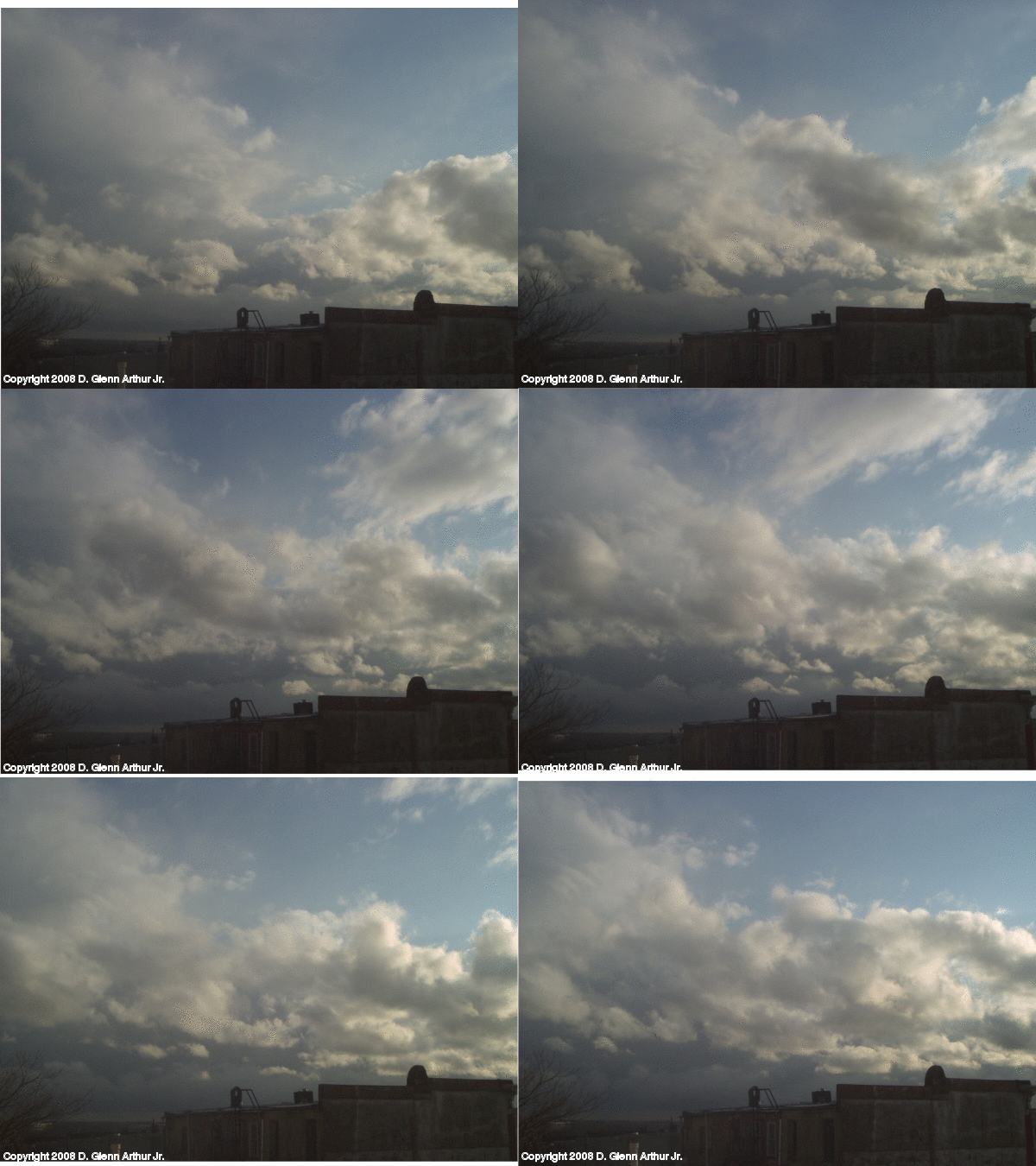
I figure there's got to be a way to trade file size for image quality when assembling a video with ffmpeg, but I've barely begun to make sense of the eighteen-volume list of command-line options in the usage message it spits out. Considering that I don't know jack about video, a lot of the one-line explanations are gibberish to me. (They'll make sense eventually.)
This was after the main part of the 28-hour rain had stopped and the roof-rending wind had started. After watching the clouds for a while, I retreated to a less-drafty spot (even with the window closed, I was feeling gusts on my face, driven between the sashes -- and that window isn't covered with plastic because I have to be able to open it to dump the buckets collecting water from the leak) and was entertained by noticing that wunderground.com was reporting not one, but three answers in the cloud-cover box:
Clouds: Scattered Clouds 5000 ft / 1524 m
Mostly Cloudy 7000 ft / 2133 m
Mostly Cloudy 10000 ft / 3048 m
This leads into revisiting an idea I had a while back but put on a back burner: automated de-jittering of video. I know that mechanical solutions exist (Steadicam, and even shake-reduction technology in recent still cameras), and I'm pretty sure software solutions already exist (though I don't know whether it's usually implemented in the camera or in the editing software -- ITSR at least one solution that was half and half -- the camera recorded motion using an internal inertial and/or gyroscopic system and included that data along with the video for an editing program to apply the compensations later). One day while I was attempting to shoot cell-phone video from the passenger seat of a moving car, I started thinking about how I might solve the problem working from scratch: pick a detail on the car, such as the rear-view mirror, locate that in each frame, and apply the translation needed to move it to the same spot in each frame -- the car's vibration would still affect the view of outside, but the perceptual effect ought to be of less overall shake because the framing elements would be steady. That's pretty much what I did with this cloud video, but I want to have the software identify the common feature in each frame and do the measuring and calculating, instead of having to put the mouse cursor on the feature frame by frame by hand.
This trick will work for fixed-camera videos as long as there is some feature in the frame that doesn't move relative to where the camera is supposed to be and be pointed. Solving it for, say, video shot while walking, would, AFAICT, require identifying "objects that should move smoothly" in brief spans of frames, and making adjustments so that they move smoothly across the frame until the next set of temporary reference points is identified. That's a complicated wheel I don't plan to try to re-invent.
But really, even though it seems like a mathematical entertainment that could keep me occupied for a while, I'd rather not reinvent the fixed-camera/fixed-reference solution either, if there's a) freeware that does this in post-processing in a way that is convenient for me and using file formats I use (on an operating system I use), or b) a published set of algorithms I can cheat off of to implement my own software, ideally without having to teach myself all the gritty details of hand-decoding JPEG, GIF, XCF, etc. files. Right now I want to apply this to 3gp (cell phone video) files and sequences of JPEGs from my digicam or from splitting a 3gp file into its individual frames (or sequences of GIMP-native XCF files or whatever the 'native' lossless format for ImageMagick is, if I'm tweaking the frames before assembling them), and possibly for NTSC in the future (though that'll probably wind up being digitized as MPEG anyhow, right?).
Which turns this into a Google-fu problem.
The last time I looked, I wasn't able to figure out the right search terms to find the needle I wanted and exclude enough of the haystack for me to see it. At some point I'll try again. But I've got too many projects-in-progress at a time already, so I'll be hitting this one a little bit at a time.
But if one of y'all already knows where to find what I'm looking for, or are inspired to find it yourself for your own projects, feel free to save me some effort and drop me a clue. :-)
(no subject)
Here's a link to get you started: http://citeseer.ist.psu.edu/66773.html